

Description
Download CyberGhost VPN – Secure, Fast, and Private VPN for macOS
Overview
CyberGhost VPN is a premium virtual private network designed for macOS users who value online privacy, high‑speed streaming, and robust security. The application creates an encrypted tunnel between your Mac and a server located in one of over 9,000 locations across 92 countries, masking your real IP address and preventing ISPs, advertisers, or malicious actors from spying on your traffic. Powered by AES‑256‑bit encryption and the OpenVPN protocol, CyberGhost offers a kill‑switch that instantly cuts internet access if the VPN connection drops, ensuring that no data leaks occur. In addition to privacy, the service shines in content unlocking – it reliably bypasses geo‑restrictions on popular platforms such as Netflix, Hulu, Disney+, and BBC iPlayer. The app also includes dedicated P2P servers for torrenting, an ad‑blocker that removes intrusive ads and trackers, and a multi‑device license that lets you protect up to seven devices simultaneously, including Windows PCs, Android phones, and iOS tablets. While the tool isn’t free, a 24‑hour trial provides full access to its feature set, letting you evaluate speed, usability, and the breadth of server options before committing to a monthly or annual plan. Whether you’re browsing public Wi‑Fi at a coffee shop, streaming a new series from abroad, or simply want to keep your browsing history private, CyberGhost VPN offers a balanced blend of performance and protection tailored for macOS.
Key Features of CyberGhost VPN
- Extensive Server Network: Over 9,000 servers in 92 countries provide low‑latency connections and plenty of options for location spoofing.
- Military‑Grade Encryption: AES‑256‑bit encryption with OpenVPN, IKEv2, and WireGuard protocols guarantees data confidentiality.
- Automatic Kill Switch: Instantly blocks all traffic if the VPN tunnel disconnects, preventing accidental exposure of your real IP.
- Dedicated P2P Servers: Optimized for torrenting, these servers allow unlimited bandwidth without compromising anonymity.
- Ad & Tracker Blocking: Built‑in ad‑blocker removes intrusive ads, malware, and tracking scripts for a cleaner browsing experience.
- Streaming Optimized Profiles: One‑click servers for Netflix, Hulu, Disney+, BBC iPlayer, and more ensure smooth, buffer‑free playback.
- Multi‑Device Support: One subscription protects up to seven devices simultaneously, covering macOS, Windows, Android, and iOS.
- No‑Logs Policy: Independent audits confirm that CyberGhost does not retain browsing activity, DNS queries, or connection timestamps.
- 24/7 Customer Support: Live chat and comprehensive knowledge base are available around the clock for troubleshooting.
Installation & Easy‑to‑Use Interface
Getting started with CyberGhost VPN on your Mac is straightforward. First, visit the official CyberGhost website and click the “Download for macOS” button. The installer is a small .dmg file that downloads within minutes on most broadband connections. After the download completes, open the .dmg and drag the CyberGhost icon into your Applications folder, following the standard macOS installation prompts. The first launch will request your administrator password to install the necessary network extensions; this step is essential for the kill‑switch and DNS leak protection to function correctly.
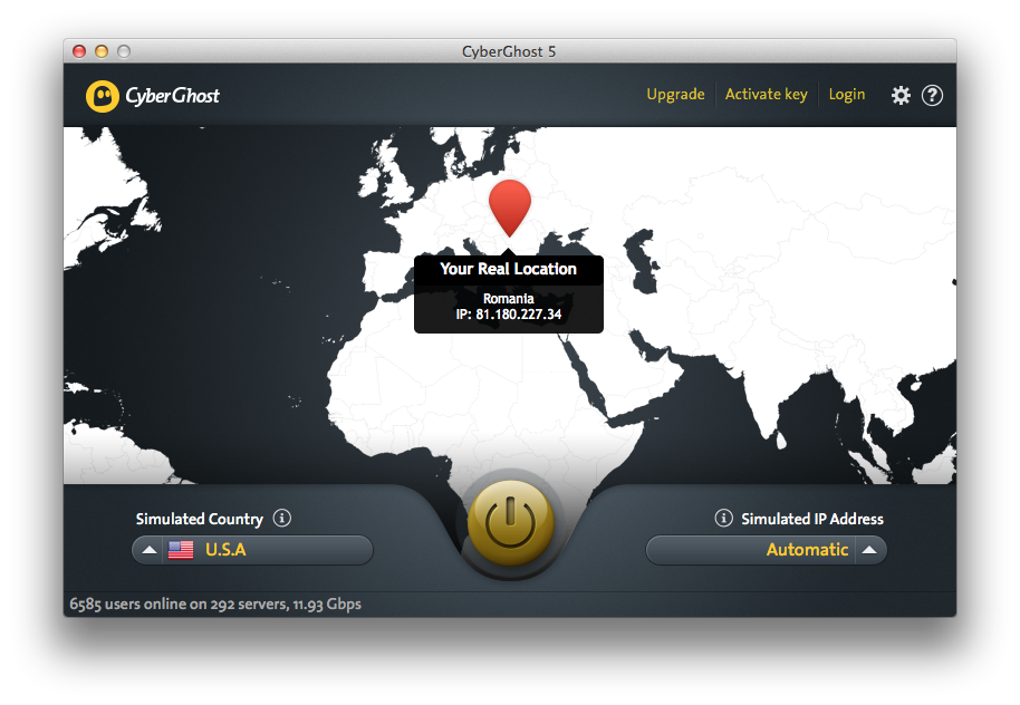
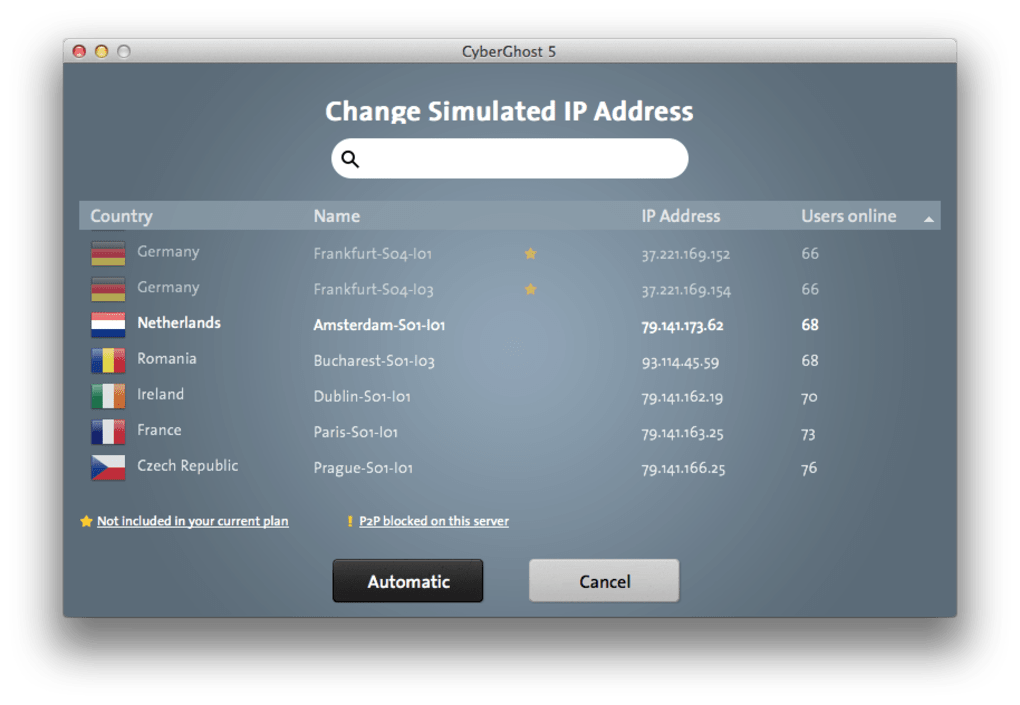
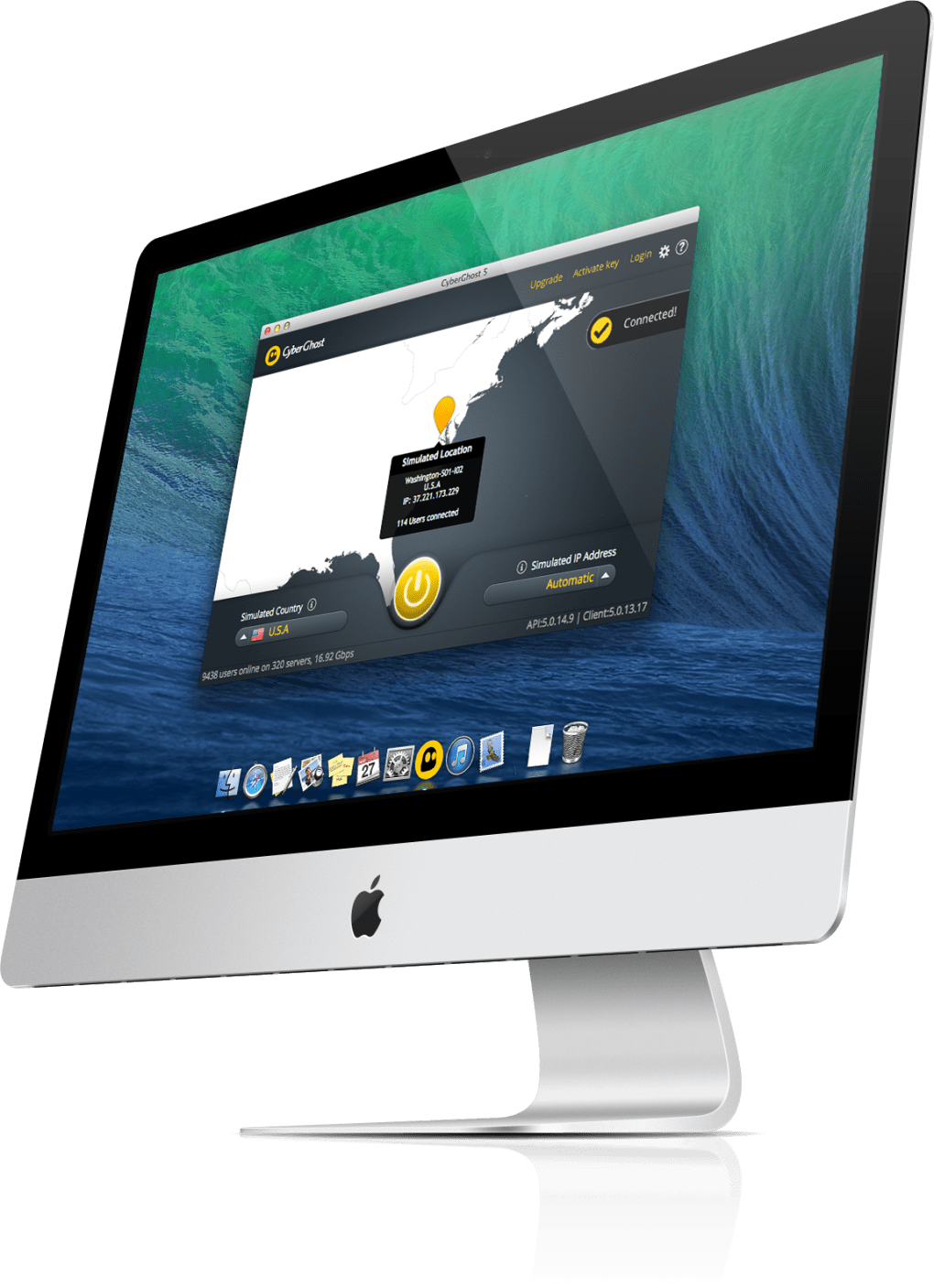
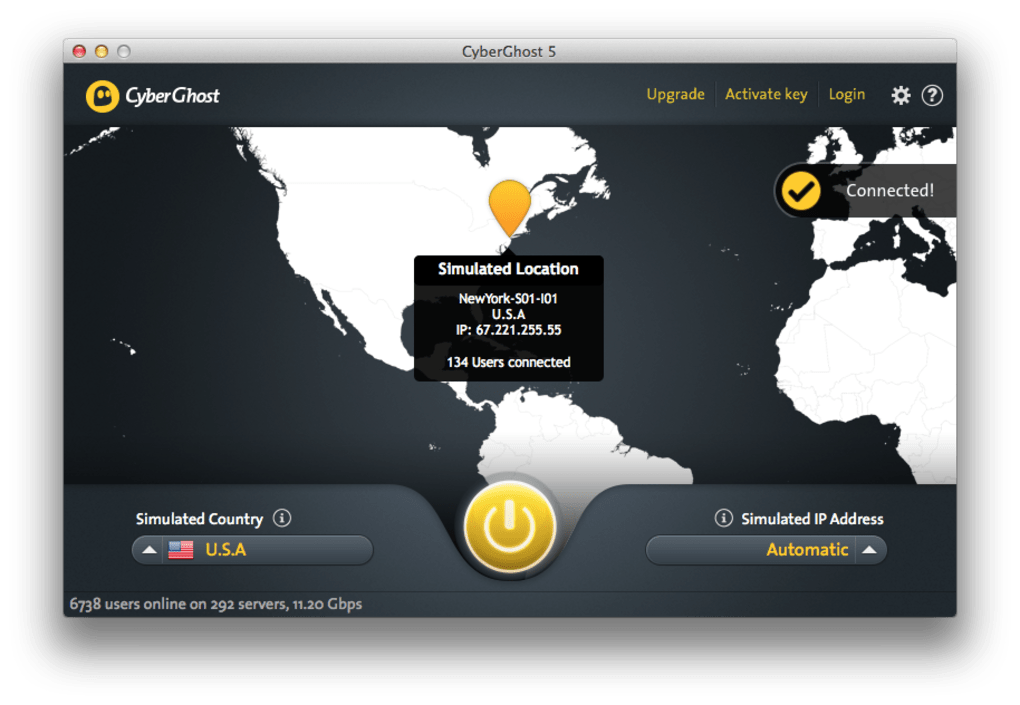
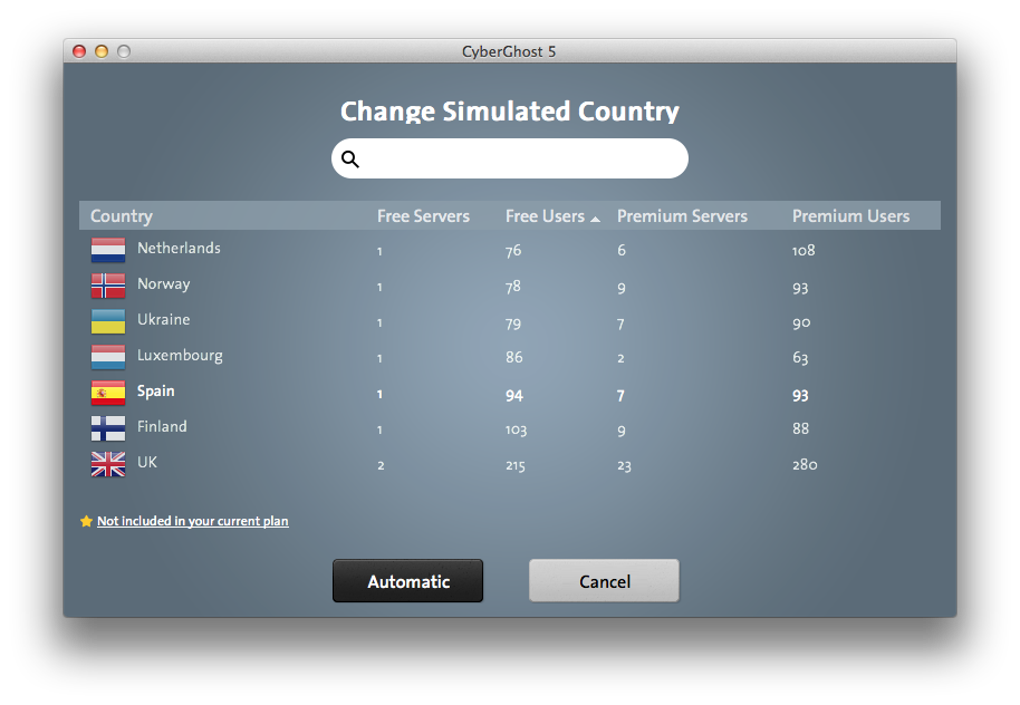
Once installed, launch CyberGhost and sign in with the credentials you created during the trial or purchase. The dashboard presents a clean, minimalist design with a large central “Connect” button that automatically selects the fastest server based on your location. For users who prefer manual selection, the “Servers” tab lists countries, cities, and specific use‑case profiles (e.g., Streaming, Torrenting, Privacy). Clicking a profile instantly connects you to a pre‑optimized server, eliminating the need to tinker with technical settings.
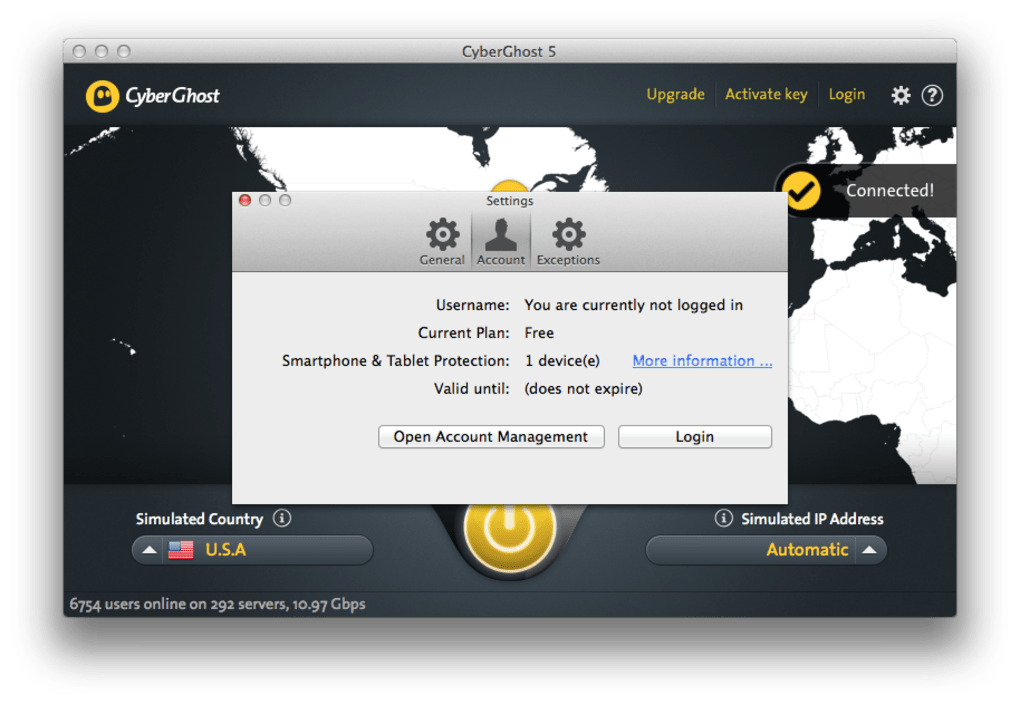
The Settings menu, accessible via the gear icon, offers granular control: you can toggle the kill‑switch, enable the ad‑blocker, choose a preferred protocol (OpenVPN, IKEv2, or WireGuard), and configure split‑tunneling for apps that should bypass the VPN. The interface also displays real‑time connection speed, latency, and the IP address you’re currently presenting to the internet. All these features are presented in an intuitive layout, making it suitable for both VPN newcomers and seasoned power users. Updates are handled automatically; CyberGhost checks for new versions daily and prompts you to install them, ensuring you always have the latest security patches and server additions.
Compatibility, Pros & Cons
Supported Platforms: CyberGhost VPN runs natively on macOS 10.12 and later. The same subscription also works on Windows 10/11, Android 6.0+, iOS 12+, and offers browser extensions for Chrome and Firefox. This cross‑platform flexibility allows you to secure your entire digital ecosystem with a single account.
Pros
- Large server pool ensures fast, reliable connections worldwide.
- AES‑256 encryption and a reliable kill‑switch protect data even on unsecured Wi‑Fi.
- Dedicated streaming servers unlock geo‑blocked content on major platforms.
- User‑friendly interface with one‑click connection options.
- Multi‑device license offers excellent value for families or small teams.
- 24/7 live chat support resolves issues quickly.
Cons
- While the trial is free, the full service requires a paid subscription.
- Some advanced settings (e.g., custom DNS) are hidden behind additional menus.
- Occasional server load can cause minor speed fluctuations during peak hours.
- The app may take a few seconds to initialize the kill‑switch on first launch.
Frequently Asked Questions
Is CyberGhost VPN safe for torrenting?
Yes. CyberGhost provides dedicated P2P servers that are optimized for high‑speed torrenting while keeping your IP address hidden. These servers also support unlimited bandwidth, so large downloads won’t be throttled.
Can I use CyberGhost VPN on multiple devices simultaneously?
A single subscription protects up to seven devices at the same time, covering macOS, Windows, Android, and iOS platforms. This makes it ideal for families or small businesses.
Does CyberGhost keep logs of my activity?
CyberGhost adheres to a strict no‑logs policy. Independent audits confirm that the company does not store browsing history, DNS queries, or connection timestamps. Only minimal account information (email, payment details) is retained in an encrypted format.
How does the kill‑switch work on macOS?
When the VPN connection drops unexpectedly, the kill‑switch immediately blocks all network traffic at the OS level. This prevents any data from leaking to your ISP or other third parties until the VPN tunnel is re‑established.
Will CyberGhost improve my streaming experience?
Absolutely. CyberGhost offers streaming‑optimized servers that bypass geo‑restrictions and reduce buffering on services like Netflix, Hulu, Disney+, and BBC iPlayer. The service also supports Smart DNS for devices that cannot run a VPN client directly.
Conclusion & Call to Action
CyberGhost VPN stands out as a well‑rounded security tool for macOS users who need a blend of privacy, speed, and convenience. Its massive server network, strong AES‑256 encryption, and automatic kill‑switch deliver the protection you expect from a premium VPN. The user‑friendly interface, one‑click streaming profiles, and dedicated P2P servers make it especially appealing to both casual browsers and power users. While the subscription cost may deter those seeking a completely free solution, the value derived from multi‑device support, 24/7 customer service, and regular software updates justifies the price. If you’re ready to secure your internet connection, unblock worldwide content, and browse without fear of surveillance, click the button below to start your 24‑hour free trial and experience the full capabilities of CyberGhost VPN on your Mac.
Guides & Tutorials for CyberGhost VPN
How to install CyberGhost VPN
- Click the Preview / Download button above.
- Once redirected, accept the terms and click Install.
- Wait for the CyberGhost VPN download to finish on your device.
How to use CyberGhost VPN
This software is primarily used for its core features described above. Open the app after installation to explore its capabilities.
User Reviews for CyberGhost VPN 0
No reviews found





.webp)